E kalyan Email ID Change If a student has applied for a scholarship through the E-Kalyan Jharkhand portal and now wants to update their email ID, this guide will help. Sometimes, the registered email becomes inaccessible due to hacking, deactivation, or other issues. In such cases, it is important to have an active and valid email address linked to your E-Kalyan profile to receive important updates regarding your scholarship.
E-Kalyan Email ID Update – Information Table
| Topic | Details |
|---|---|
| Portal Name | E-Kalyan Jharkhand |
| Purpose | Update registered Email ID in student profile |
| Beneficiary | Students who have applied for Post-Matric Scholarship |
| Reason for Update | Old email is inaccessible, deactivated, or lost |
| Login Options | Via registered Mobile Number or Email ID |
| New Email Requirement | Must be active and accessible |
| Verification Method | OTP sent to new Email ID |
| Official Website | https://ekalyan.cgg.gov.in |
| Applicable State | Jharkhand (for both within and outside state students) |
| Update Mode | Online (Self-Service through Portal) |
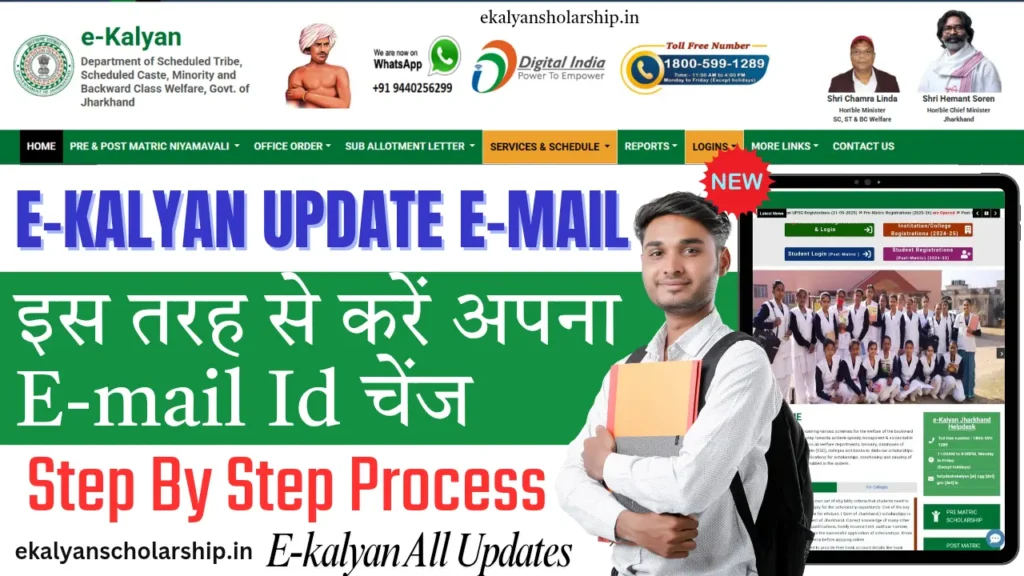
By following the steps below, students can easily update their email ID on the E-Kalyan portal.
Step-by-Step Process
- Visit the Official Website
Open the browser and go to https://ekalyan.cgg.gov.in, which is the official scholarship portal of the Government of Jharkhand. - Click on Student Login
On the homepage, click on the Student Login section. - Choose Your Scholarship Type
A pop-up window will appear with two options:- Post Matric Within State – if you are studying in Jharkhand
- Post Matric Outside State – if you are studying outside Jharkhand
Select the option that applies to you.
- Login Using Mobile Number or Email ID
You can log in using either of the following methods:- By Mobile Number: Enter your registered mobile number, password, and captcha code, then click Login.
- By Email ID: Enter your registered email ID, password, and captcha code to log in.
- Access Your Profile Dashboard
After successful login, your profile dashboard will appear. - Go to the “Update Email ID” Section
On the top side of your profile page or in the account settings, you will find the Update Email ID option. Click on it. - Enter the New Email ID
In the given field, enter your new email address. Make sure it is active and accessible. - Verify the New Email
An OTP (One-Time Password) will be sent to the new email ID. Enter the OTP and click the Verify button. - Confirmation of Email Update
Once the OTP is verified, your email ID will be successfully updated in your profile, and all future communications will be sent to this new address.
Read More
Important Points to Remember:
- Make sure the new email ID you enter is regularly checked and not used in any other E-Kalyan account.
- Your new email will be helpful in recovering your account in case you forget your password in the future.
- Use a valid email address from trusted providers like Gmail, Outlook, Yahoo, etc.
Important Link
| Section | Description |
|---|---|
| New User Registration | Click Here |
| E-Kalyan Login | Click Here |
| Reset/Forgot Password | Click Here |
| Check Application Status | Click Here |
| Registration Guidelines | Click Here |
| Official E-Kalyan Website | Click Here |
| Homepage | Click Here |
E-Kalyan Email ID Update FAQs
1. Can I change my email address on the E-Kalyan portal if I no longer have access to the old one?
Yes, the E-Kalyan portal allows students to update their email ID if the previous one is no longer usable. As long as you can log in using either your registered mobile number or old email credentials, you can access the profile section where the email ID update option is available.
2. What steps should I follow if my registered email ID is deactivated or forgotten?
If your registered email is no longer active, you should try logging in through your mobile number. Once logged in, you can go to your profile settings and update your email to a new one. If you cannot access your account at all, you may need to contact the portal’s support team for help.
3. Is it mandatory to verify the new email ID before it is saved on the portal?
Yes, the portal requires you to verify the new email ID through an OTP sent to that address. Without entering the correct OTP, your email ID will not be updated. This step ensures that the new email is valid and owned by you
4. Can I use any email ID for this update process?
You must use a personal and functional email ID that you regularly check. It is recommended to avoid using shared or temporary email addresses. Also, the new email should not be linked with another E-Kalyan account.
5. Will changing my email ID affect my existing scholarship application?
No, updating your email ID does not change or interfere with your already submitted application. It only updates your contact details in the profile. All future communications from the E-Kalyan system will now go to your new email.
6. What if I make a mistake while entering the new email ID?
If you enter a wrong email by mistake and verify it, you may not receive further updates from the portal. It is advisable to double-check your email before submitting. If the wrong email is already saved, you can repeat the update process to correct it.
7. Is there any deadline to update the email ID on the portal?
There is usually no specific deadline to update contact details like email, but it is best to keep your information updated before scholarship verification or fund disbursement stages. This helps avoid missing any important updates or notifications.

Hello and welcome! My name is Robin, and I’m from Gumla district in Jharkhand. I’ve always had a deep interest in the field of education, especially when it comes to helping students access the right information at the right time. For the past several years, I’ve been working as an educational content writer, and with that experience and passion, I created this website – ekalyanscholarship.in.
Through this platform, I aim to provide accurate and updated information related to E-Kalyan Jharkhand Scholarships. Whether it’s about how to apply, last dates, checking payment status, or tracking application progress — everything is explained here in a simple and student-friendly manner. My goal is to ensure that students in Jharkhand don’t face confusion or miss out on any opportunities just because of a lack of information.
If you find the content on this website helpful, or if you need guidance on any specific topic, feel free to reach out. I’m here to help you stay informed and supported throughout your scholarship journey.
Founder of ekalyanscholarship.in